
Screenshots
App details
- Updated
- Jul 22, 2025
- Language
- English
- Developer
- Epic Games
- Category
- Mobile
SoftPas in:
This product is also available in the following languages:
About Epic Games Launcher
Download Epic Games Launcher – PC Gaming, Free Games, Game Store
Overview
The Epic Games Launcher is the official application for the Epic Games Store, designed to serve as a centralized hub for PC gamers seeking access to a diverse library of games. This launcher enables users to manage their game library, receive automatic updates, and take advantage of exclusive offers such as monthly free game giveaways. It is particularly valuable for gamers who want to expand their collection without incurring high costs, as the platform regularly features discounted titles and time-limited promotions.
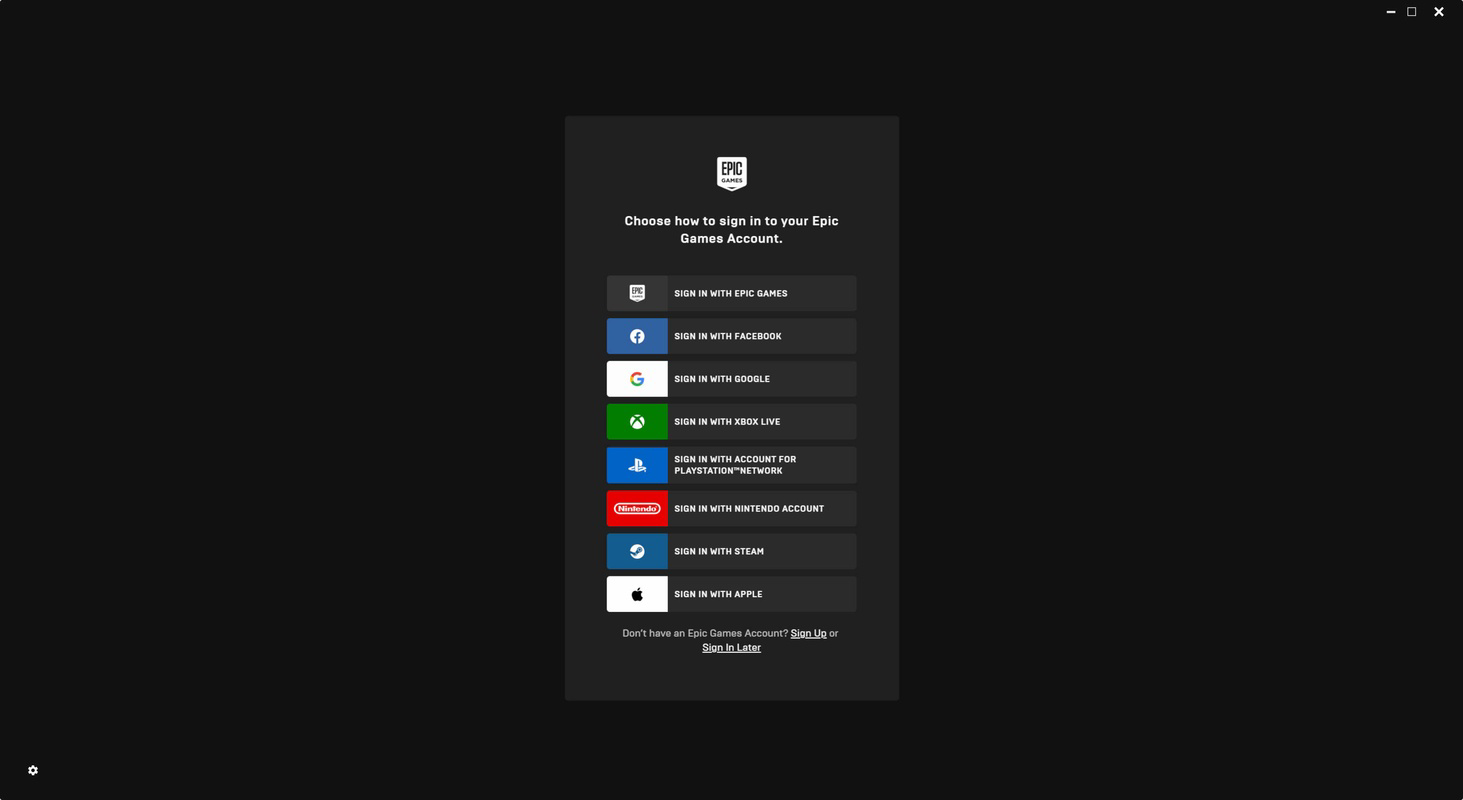
Target users include casual and dedicated PC gamers, indie game enthusiasts, and those looking to explore new titles through free monthly distributions. The launcher supports cross-platform login options, allowing users to authenticate via Facebook, Google, Xbox Live, PlayStation Network, Steam, or Apple accounts, facilitating seamless integration with existing gaming ecosystems. This functionality enhances social connectivity by syncing friend lists across platforms, enabling multiplayer interactions with others in the Epic community.
As a key player in the PC gaming marketplace, the Epic Games Launcher plays a critical role in distributing high-quality games while offering competitive pricing and exclusive content. Its presence contributes to a more dynamic and accessible gaming environment, empowering users to discover new titles and maintain an up-to-date library with minimal effort. The developer, Epic Games, Inc., has established a reputation for delivering robust gaming platforms, and this launcher reflects that commitment through its reliable performance and user-focused design.
Key Features & Functionality
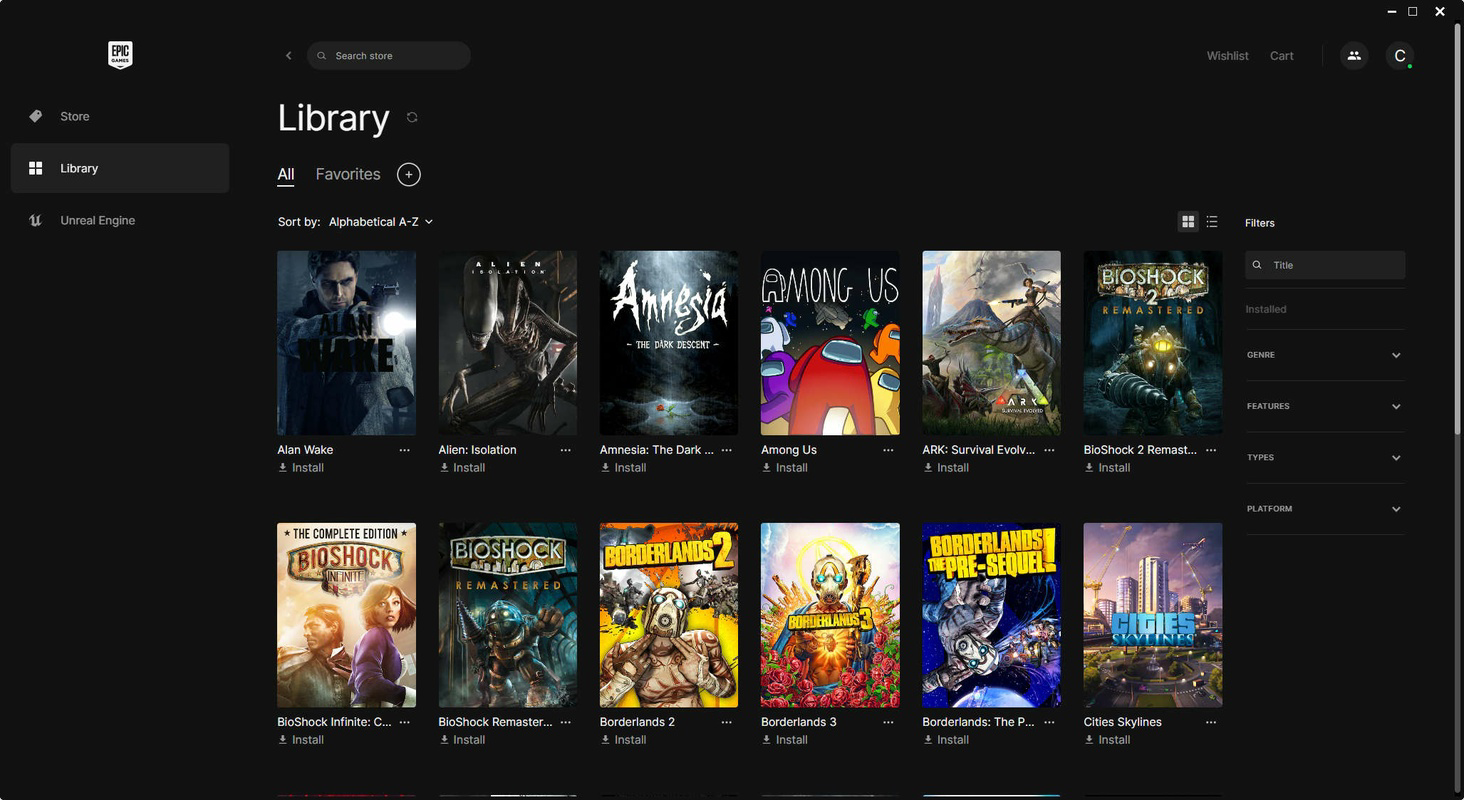
- Centralized Game Library Management – Users can view, launch, and organize all installed and purchased games in one unified interface, streamlining access and reducing clutter.
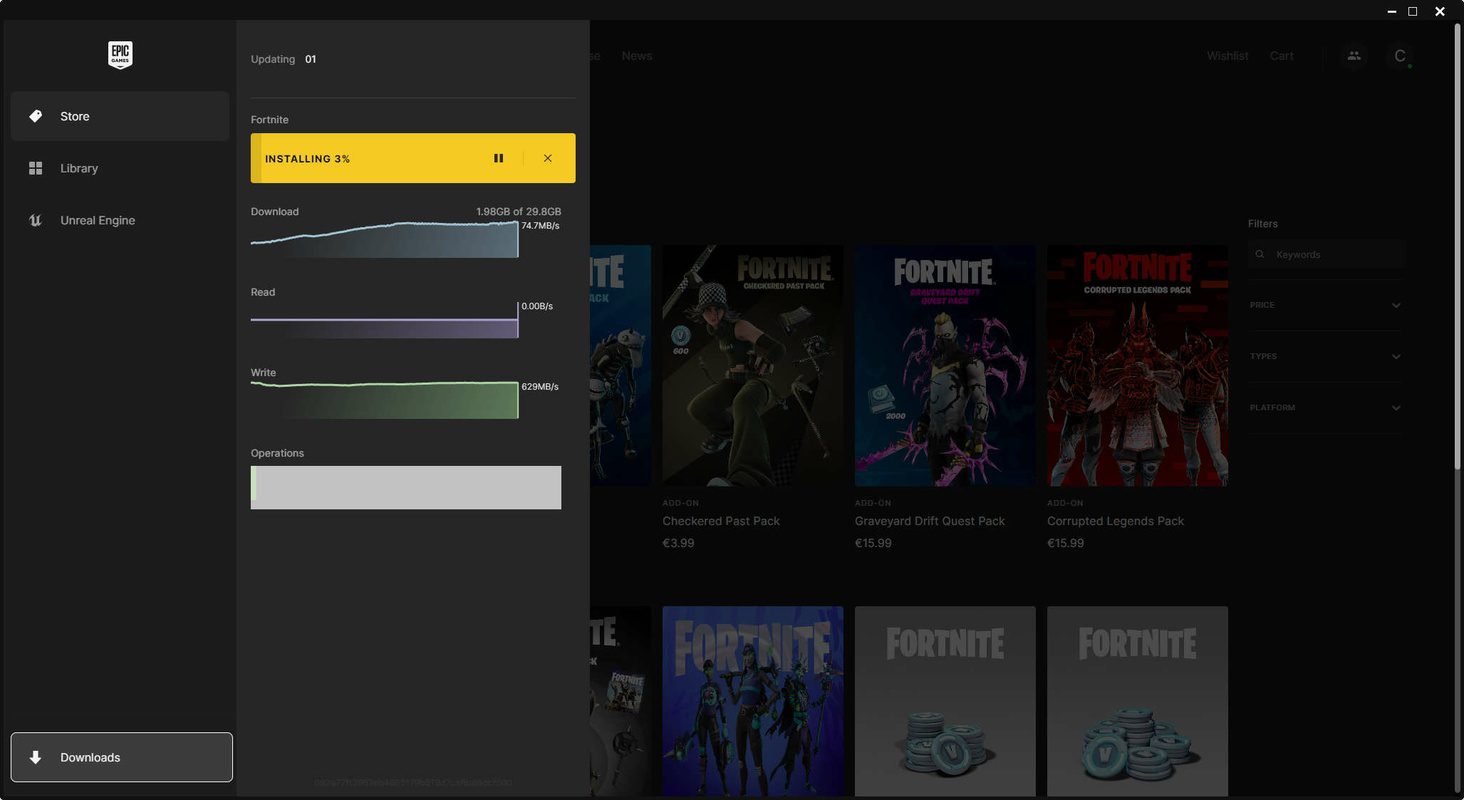
- Automatic Game Updates – The launcher ensures all games remain current by automatically downloading and installing updates in the background, minimizing downtime and preserving gameplay continuity.
- Monthly Free Game Giveaways – Each month, Epic offers one or more full-featured games at no cost, allowing users to permanently add titles like Grand Theft Auto V and Borderlands to their library.
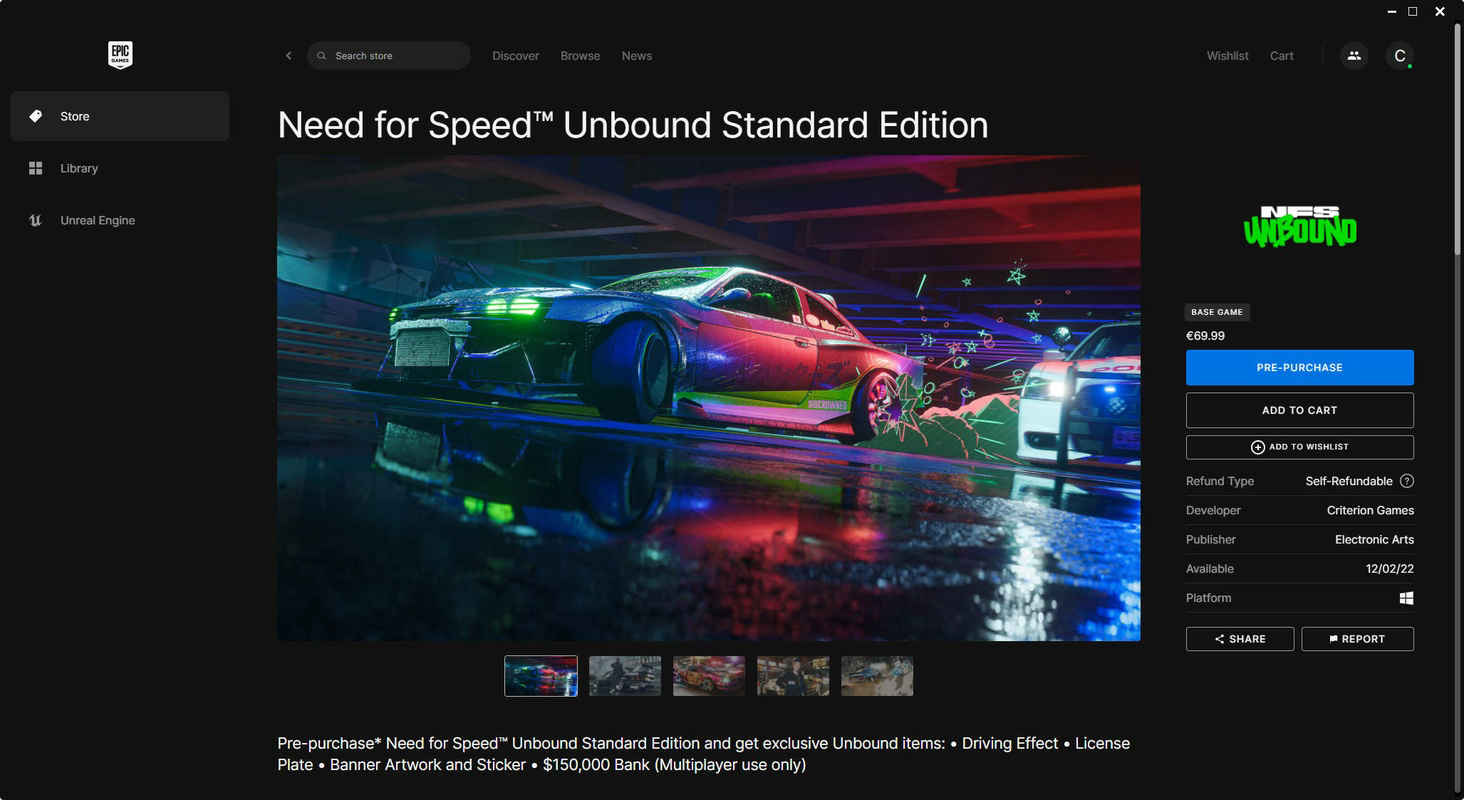
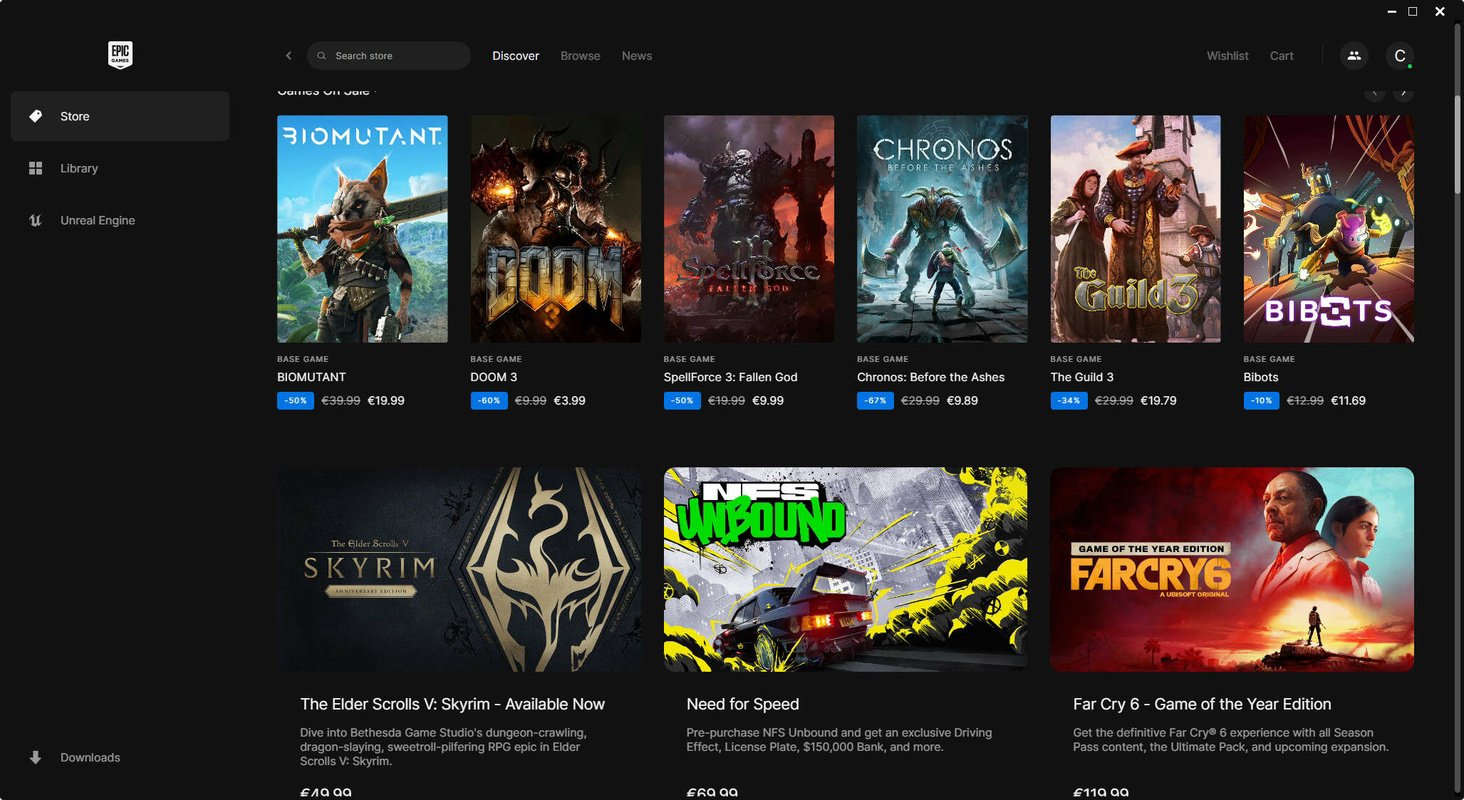
- Discounted Game Sales – The platform frequently hosts promotional events with deep discounts on popular and indie titles, making premium games more affordable.
- Multi-Platform Account Integration – Gamers can sign in using accounts from Facebook, Google, Xbox Live, PlayStation Network, Steam, or Apple, enabling cross-platform friend synchronization and gameplay.
- Unified Social Experience – The launcher allows users to connect with friends across different platforms, enhancing multiplayer engagement and community interaction.
These features cater to real-world use cases such as managing a growing game library, ensuring games are always up to date, and taking full advantage of cost-saving opportunities. For example, a user who regularly plays indie titles can benefit from the monthly free game distribution, while a casual gamer can enjoy discounted access to AAA titles during seasonal sales. The integration with existing platforms also reduces friction when switching between gaming ecosystems, making the launcher a versatile tool for modern PC gamers.
Interface, UX & Performance
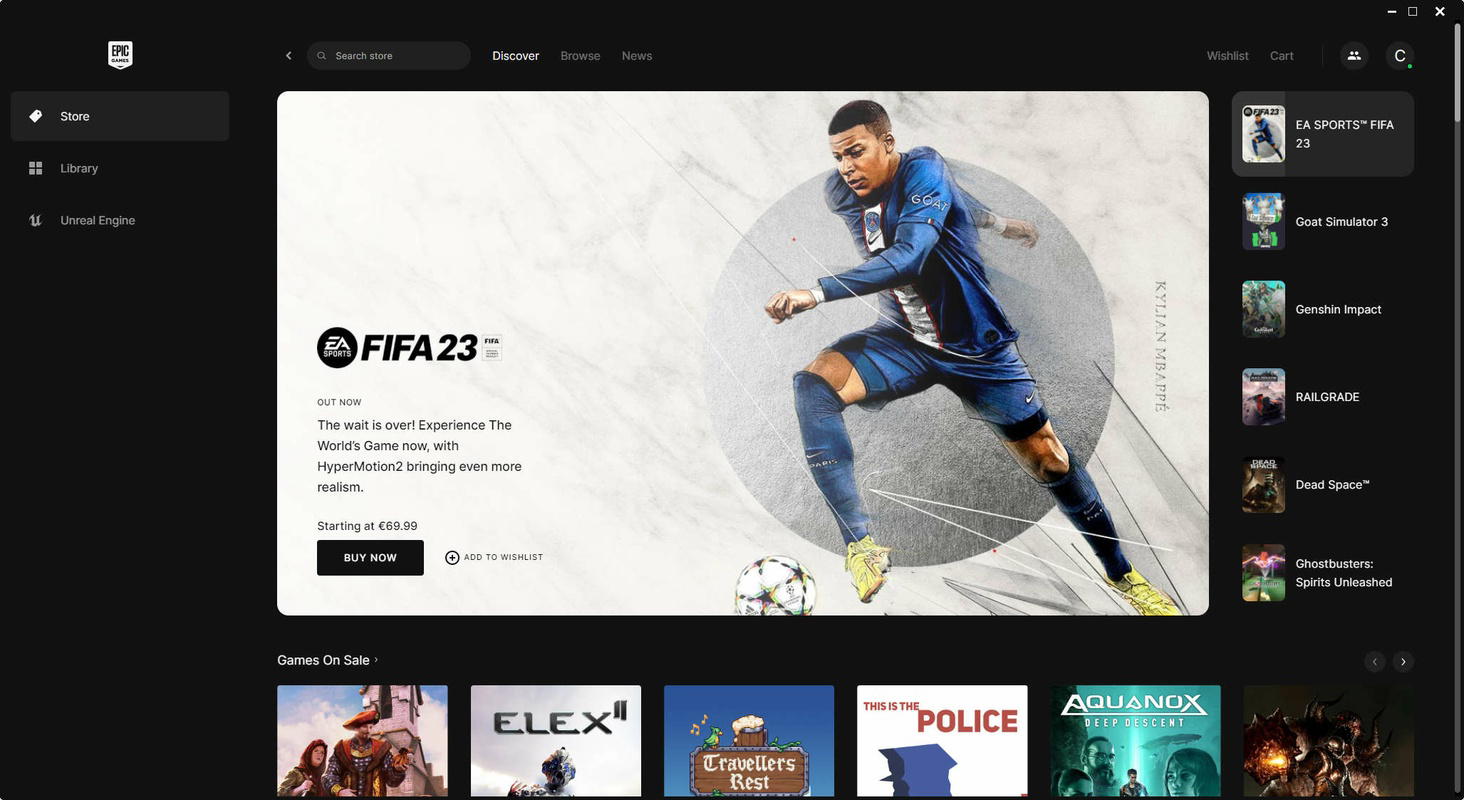
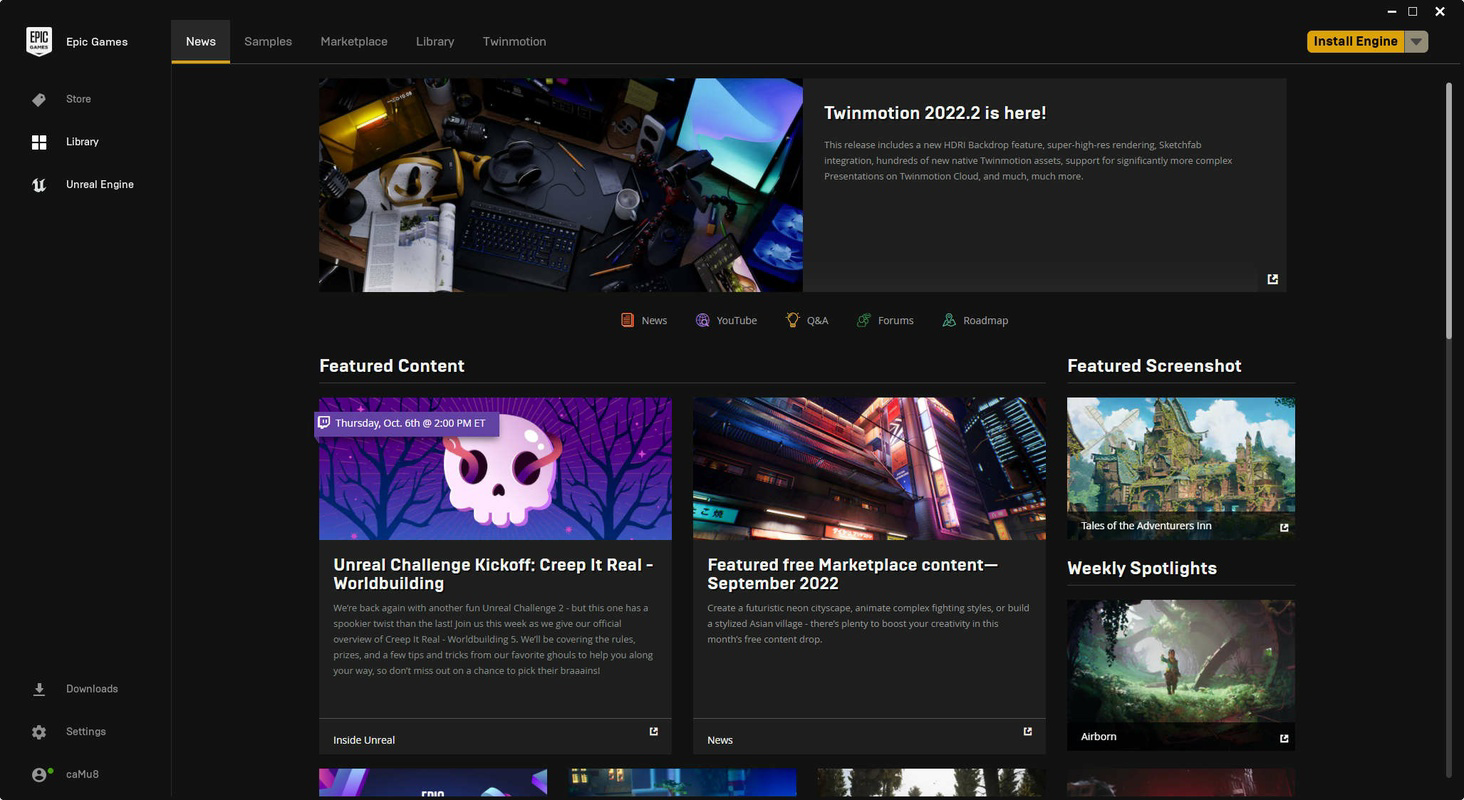
The Epic Games Launcher presents a clean, modern interface with intuitive navigation, featuring a sidebar for quick access to games, library, store, and friends. Visual design emphasizes clarity and functionality, with consistent iconography and layout that supports efficient browsing. The main dashboard displays featured games, ongoing promotions, and recently added titles, helping users discover new content effortlessly.
Navigation is straightforward, with a focus on minimizing user effort—launching a game, checking for updates, or browsing the store requires minimal steps. The layout adapts well to different screen sizes and resolutions, ensuring usability across a range of devices. Although the developer did not list formal performance metrics, the launcher operates smoothly on standard Windows systems, with responsive interactions and minimal lag during loading and switching between sections.
Stability is maintained through regular background maintenance, and the application maintains low resource usage during idle periods. Users report consistent performance during peak usage times, such as during free game giveaways or major sales events. The overall user experience reflects a mature, well-tested application designed with both new and experienced users in mind.
Platform Compatibility & Technical Requirements
The Epic Games Launcher is designed exclusively for the Windows operating system, making it compatible with a wide range of desktop and laptop devices running Windows 7 or later. The current version, 1.2.3, has a file size of 245.8 MB, which is relatively compact for a full-featured game launcher.
Specific requirements for minimum system specifications were not listed by the developer. However, the application is known to function on standard Windows configurations, and users typically do not encounter installation or runtime issues on modern hardware. Compatibility with future Windows updates is expected, though the developer did not provide explicit details on supported OS versions beyond the general platform.
Pros and Cons
Pros
- Free to download and use with no hidden costs
- Regular free game giveaways enhance value and library growth
- Automatic updates ensure games are always current
- Intuitive interface designed for both beginners and advanced users
- Supports multiple login methods for cross-platform access
- Offers deep discounts during seasonal sales and promotions
Cons
- Currently available only on Windows, limiting access for macOS and Linux users
- Some users may find the game library less extensive compared to Steam or other major platforms
- Developer did not provide detailed system requirements
- Occasional delays in update notifications for certain games
- Interface may feel less customizable than alternative launchers
FAQ
Is the Epic Games Launcher safe to download?
Yes, the Epic Games Launcher is a legitimate application developed by Epic Games, Inc. It is distributed through official channels and is secure for installation on Windows devices.
Can I use the launcher without creating an Epic account?
No, a free Epic account is required to access the launcher’s full functionality, including game downloads, updates, and free giveaways.
Does the launcher work on macOS or Linux?
As of now, the Epic Games Launcher is only available for Windows. There is no official support for macOS or Linux platforms.
How often are free games offered?
One or more free games are typically offered each month, with new titles released on the first day of the month.
Can I update games manually if automatic updates are disabled?
Yes, users can manually trigger updates through the library or game details page, though automatic updates are recommended for optimal performance.
Final Thoughts
The Epic Games Launcher stands out as a powerful, user-friendly tool for PC gamers seeking affordable access to high-quality games. With its monthly free game giveaways, automatic update system, and cross-platform integration, it delivers strong value for both casual and dedicated players. While its Windows-only availability may limit some users, its clean interface, reliable performance, and consistent updates make it a must-have addition to any gaming setup.
Whether you're looking to expand your game library without spending a dime or simply want a streamlined way to manage your titles, the Epic Games Launcher provides a compelling solution. Its combination of accessibility, affordability, and functionality positions it as a top choice in the PC gaming ecosystem.
Download Epic Games Launcher now
Guides & Tutorials
How to install Epic Games Launcher
- Click the Download button above.
- Once redirected, accept the terms and click Install.
- Wait for the Epic Games Launcher download to finish on your device.
How to use Epic Games Launcher
This software is primarily used for its core features described above. Open the app after installation to explore its capabilities.
User Reviews
No reviews yet. Be the first to share your experience.
You may also like
more
Que no te pillen¡
About !Que no te pillen¡Reviewed by Jason A. BilbreyShow MoreShow Less

3D Combat Zone
About 3D Combat ZoneOriginally released in 1983, 3D Combat Zone immerses players...

666: El día del portal
About 666: El día del portalOn June 6, 2006, Agent P. Stone uncovers a sinister...

80 in 1 Best Flash games
About 80 in 1 Best Flash games 80 in 1 Best Flash games is a collection of 80 fl...

ABYSS SEEKERーーWhat Do You See Deep in The Abyss
About ABYSS SEEKERーーWhat Do You See Deep in The AbyssIn ABYSS SEEKER, players...

ACA NEOGEO THE KING OF FIGHTERS 2002 for Windows
About ACA NEOGEO THE KING OF FIGHTERS 2002 for WindowsTHE KING OF FIGHTERS 2002,...